The Boost button looks simple: tap it, pay, and more people see your post. In practice there are four settings to choose, a review to pass, and a few traps that cost first-timers money. This guide walks you through each step as Instagram's Help Center describes it, gives you a short check to run before you pay, and shows the views-only option for when a boost is more than you need.
We sell Instagram views, not Boosts or ads. If you are still deciding whether to boost at all, start with our hub guide: is boosting Instagram posts worth it?
What is Boost on Instagram?
Boost is Instagram's quick way to turn a post you already published into an ad. You choose a goal, an audience, a daily budget and how many days it runs. After Meta approves the ad, Instagram shows your post to more people, including people who don't follow you.
You don't need to open a separate ads tool. The Boost button sits right under your post, and you can boost a feed post, a Reel or a Story. Instagram's Help Center says you need a professional account to boost, which means a business or a creator account. A personal profile won't show the option until you switch.
A boosted post is still your post. The same photo, video and caption run as the ad, so a boost works best on a post that already does well with your followers.
How does Instagram Boost work?
Instagram Boost works in four stages: you set up the ad, Meta reviews it, Meta delivers it, and you read the results. Here is each stage in plain words.
Boosting an Instagram post starts from the post itself. Instagram's Help Center says you open the post on your profile, tap Boost, and then fill in four details: the goal, the audience, the budget and the duration. Meta's Business Help Center lists the goals as more profile visits, more website visits or more messages. The budget is the amount you want to spend each day, and the duration is the number of days the ad runs. When you tap Boost post, the ad goes to review to check that it meets Meta's advertising policies. Meta's Advertising Standards say most reviews finish within 24 hours, though some take longer, and ads can be reviewed again after they go live. Once approved, the ad starts running. Meta's help pages say you can pause it at any time. Meta also notes that the reach shown while you set up the ad is an estimate, meant to help you decide how much to spend.
How do you boost a post on Instagram?
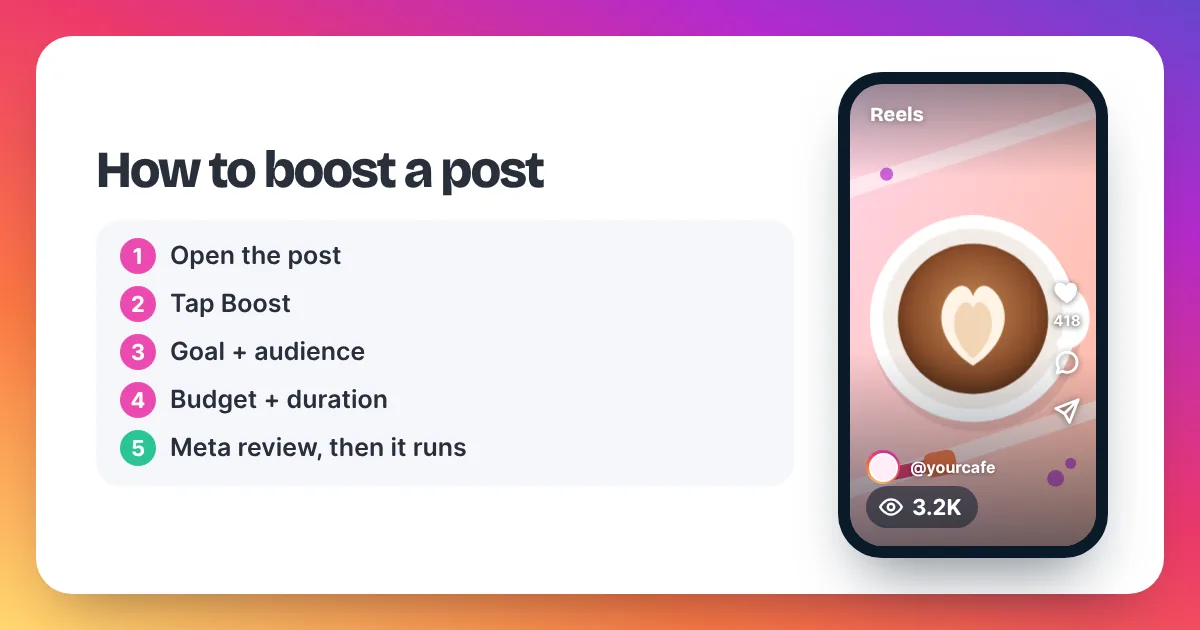
To boost a post on Instagram, go to your profile, open the post, and tap Boost below it. Choose your goal, audience, daily budget and duration, then tap Next. Check the summary and tap Boost post. The ad starts after Meta reviews and approves it.
Here are the steps in the Instagram app, following Instagram's Help Center:
- Switch to a professional account if you haven't. Go to your profile settings and change to a business or creator account. Boost won't appear on a personal profile.
- Open the post. Go to your profile and tap the post, Reel or video you want to promote.
- Tap Boost. The button sits below the post.
- Choose a goal. Pick more profile visits, more website visits or more messages. Choose the one that matches what you want people to do.
- Choose an audience. Meta's help pages say the automatic option aims at people similar to your followers. You can also build your own audience, for example by location, age, gender and interests.
- Set a budget and duration. Move the sliders. Watch the estimate change as you do.
- Tap Next and check the summary. Look at the total, the dates and the payment method on your ad account.
- Tap Boost post. The ad goes to review, and it starts running once it is approved.
Instagram's Help Center also recommends connecting a Meta Ad Account when you boost, even though some first-time boosters can skip that step. An ad account makes it easier to see spending and receipts in one place later.
Can you boost from a computer?
Yes. Instagram's Help Center notes that boosting inside the iPhone app is paid from prepaid "available funds", and funds added in that app carry an app store service fee. It suggests boosting from instagram.com in a web browser to avoid that fee. The steps are the same: open the post, click Boost, set the four details and confirm.
Before you tap Boost: a six-point check
A boost is cheap to start and easy to waste. Run through this list before you confirm. Each point targets a common way to waste a boost.
- Is this your best post? Boost the post that already did well with your followers. A boost makes a good post seen by more people. It doesn't fix a weak one.
- Does the goal match what you want? If you want sales, pick website visits and make sure the link works. Don't pick profile visits and then judge the boost on sales.
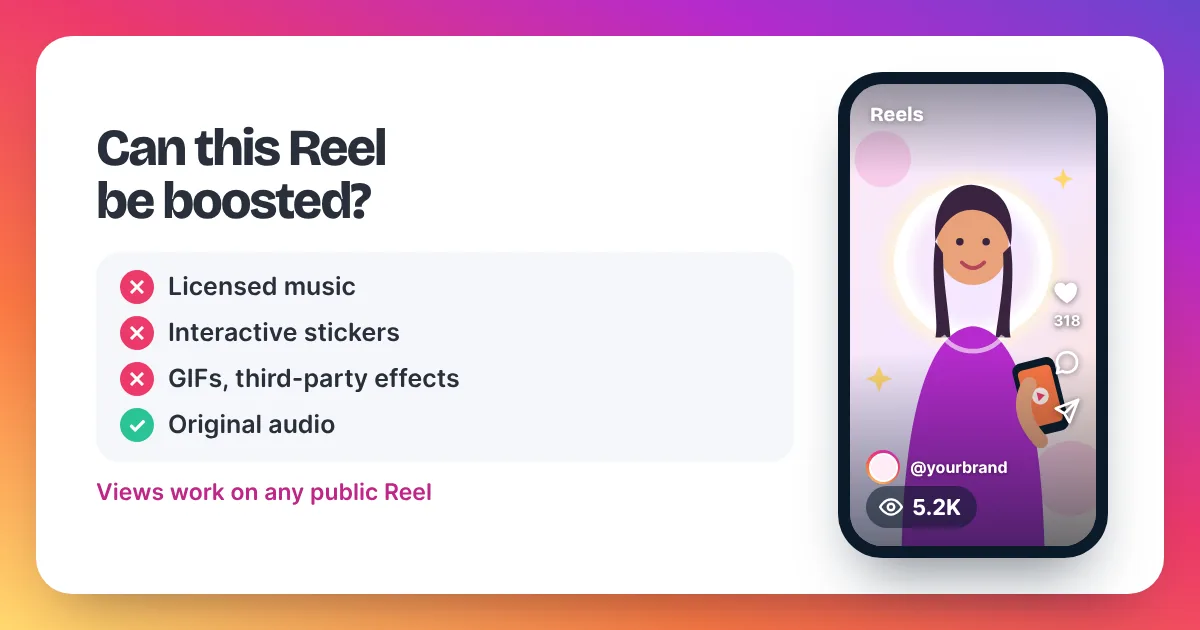
- Can it be boosted? Instagram's Help Center says Reels with licensed music can't be boosted, and Reels with tappable elements show a "boost unavailable" error. Our guide to boosting a Reel lists the rules.
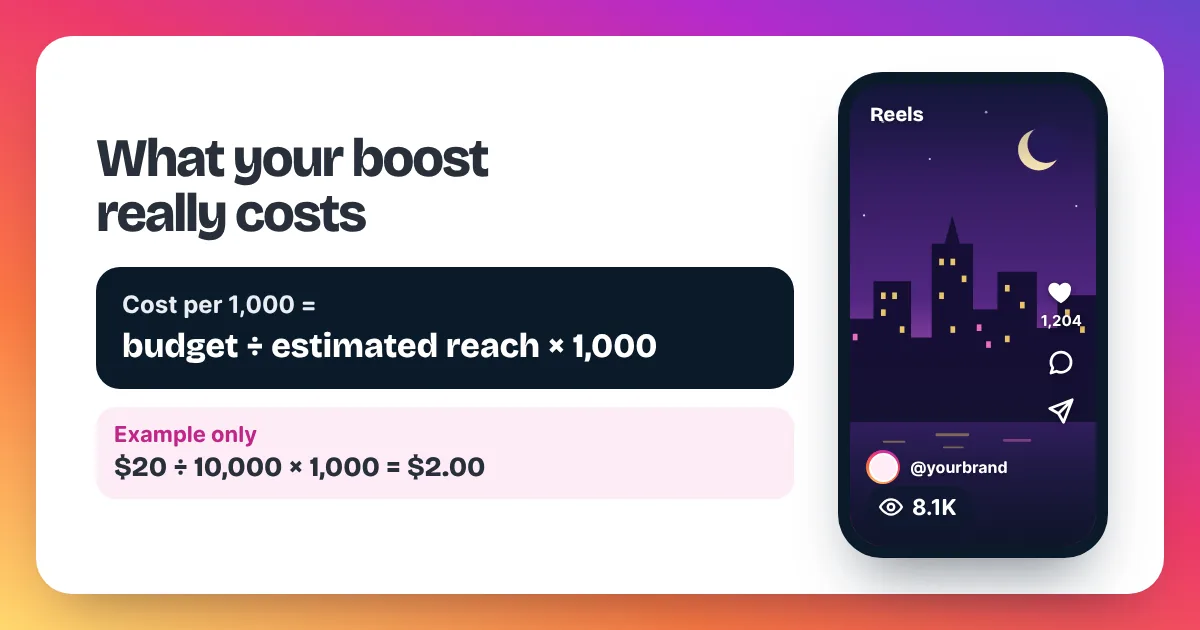
- Did you work out the cost per 1,000? Divide the total budget by the estimated reach, then multiply by 1,000. Our guide on what it costs to boost a post shows the sum with an example.
- Is the audience sensible? Too broad and strangers scroll past. Too narrow and the estimate drops for the same money.
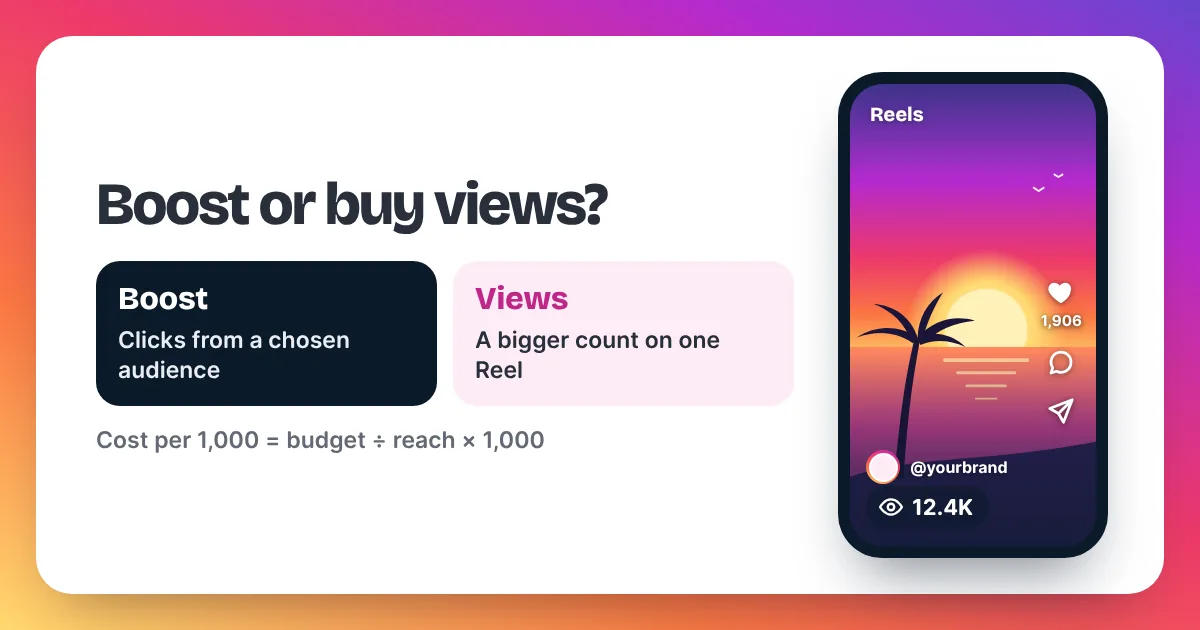
- Do you only need a bigger view count? Then a boost is more tool than you need. A views order raises the count on one Reel or post, with no review and no audience settings.
What happens after you tap Boost post?
After you tap Boost post, your ad waits in review. Meta's Advertising Standards say most reviews finish within 24 hours, though some take longer. Once approved, it runs for the days you chose. You can pause it at any time, and you can follow its results from the post or your ad tools.
While it runs, check the numbers that match your goal. For website visits, look at link clicks. For messages, look at new conversations. For profile visits, look at profile activity in your Instagram Insights.
Don't judge a boost on its view count alone. The estimate you saw counts accounts reached, while views count plays, and one person can play a post more than once. Our guide to views vs reach explains the gap.
If your ad is rejected, you can edit it, make a new one, or ask for another review if you think the decision was wrong. Meta's Advertising Standards describe each option. Our guide on Instagram promotion not approved covers the common fixes.
What is the views-only option?
The views-only option is a views order: you pay a fixed price for a set number of views on one public Reel, video or post. It doesn't target an audience or bring clicks, but it raises the public view count fast. It suits launches, brand pitches and Reels that can't be boosted.
A boost and a views order solve different problems. A boost finds people and asks them to act. A views order gives one post a stronger count, so the people who land on it see a video others already watched. Here is what views cost with us:
| Views | Price | Price per 1,000 |
|---|---|---|
| 2,000 | $3.98 | $1.99 |
| 5,000 | $8.95 | $1.79 |
| 10,000 | $15.90 | $1.59 |
| 25,000 | $34.75 | $1.39 |
To order, copy your post link, paste it into the order box and pick your amount. From checkout, you send the order on WhatsApp or by email, and we reply with a payment link. Delivery starts within 2–5 minutes after payment. Use the page to buy Instagram Reel views for Reels.
Be clear about the rules, too. Meta's Spam policy lists attempts to "artificially increase viewership", and Instagram can remove plays it treats as inauthentic. A boost is Instagram's own paid tool, so it doesn't face that rule. We only ever need a public link, never your password.
How to boost a post on Instagram: FAQ
Why don't I see the Boost button?
One common reason is a personal account. Instagram's Help Center says you need a professional account to create ads. If you already have one, its troubleshooting page suggests checking your role on any linked Facebook Page, or trying again from instagram.com.
Can I boost an old post?
Yes, you can boost a post you published earlier, as long as it meets Meta's ad rules. Reels have extra limits, such as no licensed music. Boost a post that already did well with your followers, whatever its age.
Can I stop a boost early?
Yes. Meta's help pages say you can pause an ad at any time. A daily budget means you spend roughly that amount per day while the ad runs, so pausing stops further spend.
Does boosting a post bring followers?
Not by itself. The "more profile visits" goal sends people to your profile, and your posts decide whether they follow. The same is true of bought views: they raise the count but don't add followers on their own.
Do you boost posts for clients?
No. Instaviews sells views only for Reels, videos and posts. We don't run boosts, ads or ad accounts. If you have a question about a views order, email support@instaviewspanel.com at any hour.