You tapped Boost, waited, and Instagram told you the promotion was not approved. Or it says "Something went wrong", or it was approved but nothing is happening. Forums are full of guesses about why. This guide sticks to what Meta's and Instagram's own help pages say.
We cover why promotions get rejected, how to fix or appeal them, what to do when Boost fails or ads stop delivering, and a quick table to find your case. We sell Instagram views only, not ads or promotions, and we can't fix Meta ad accounts. If all you need today is more views on a Reel, there is a box for that below. For the bigger question of paying to be seen, see our guide on whether boosting Instagram posts is worth it.
Why was my Instagram promotion not approved?
Your Instagram promotion was not approved because Meta's ad review found something that doesn't meet its Advertising Standards. The review checks the image or video, the text, the targeting and the page the ad links to. The notification or Ad tools shows the reason, and you can edit the ad, make a new one or request another review.
Every Instagram promotion is a Meta ad, so it goes through Meta's ad review before it runs. Meta's Advertising Standards say the review is typically completed within 24 hours, although it may take longer, and the ad shows "In review" until then. The review looks at the ad's images, video, text and targeting, and at its destination, such as a landing page or website. Meta says the system relies mainly on automated tools, with human reviewers training those tools and, in some cases, reviewing ads by hand. If something in the ad breaks a rule, the ad is rejected and the promotion does not run. Instagram's Help Center says you get notifications when the ad is submitted, while it is in review, and when it is approved or not approved. If you think the rejection is a mistake, Meta's Business Help Center says you can request another review in Account Quality, and teams of human reviewers handle those requests.
How do you fix a rejected Instagram promotion?
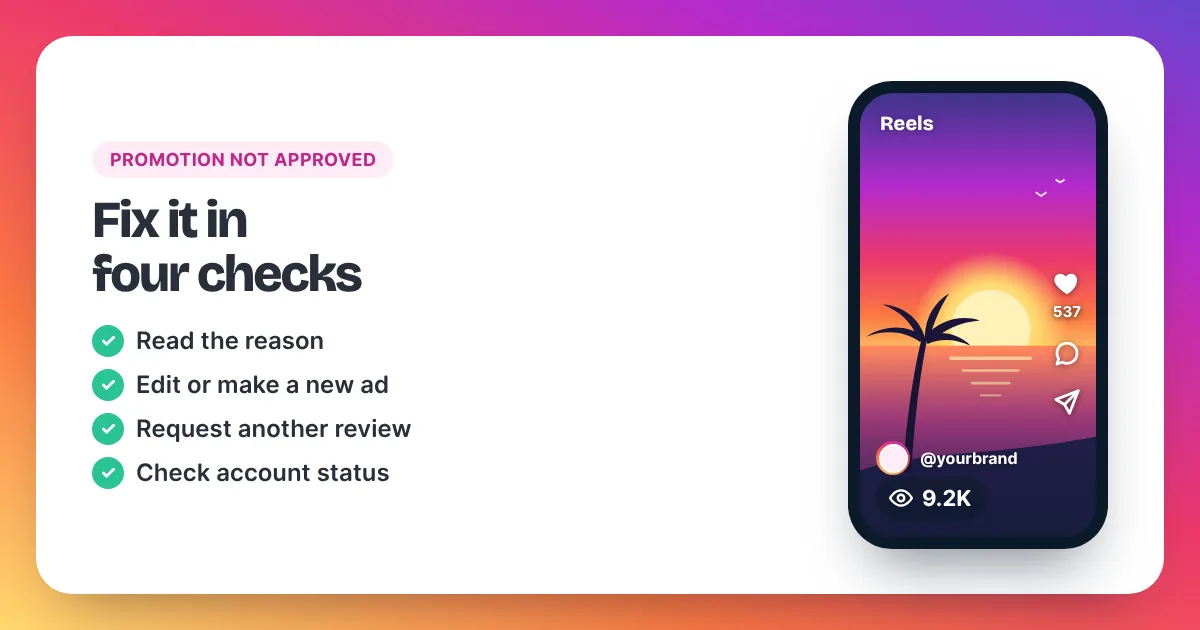
Meta's Business Help Center describes three ways forward. Go through them in this order:
- Read the reason. Open the notification, or go to Ad tools in your professional account. In Meta Ads Manager, the reason also appears in Account Quality.
- Edit and resubmit. If the reason is clear, change the part of the ad it points to and submit it again. Some rejection reasons don't allow editing; then create a new ad instead.
- Create a new ad. Use new creative, or a revised version of the rejected one.
- Request another review. If you believe the ad was rejected by mistake, request another review in Account Quality.
Two more checks from Meta's pages are worth a minute:
- Special ad categories. Meta asks you to choose a special ad category for ads about credit, employment, housing, social issues, elections or politics aimed at US audiences. If your post touches one of these, choose the category before you boost.
- Repeat rejections. Meta says it may look at an advertiser's past rejections and how serious they were. Fixing the cause matters more than resubmitting the same ad.
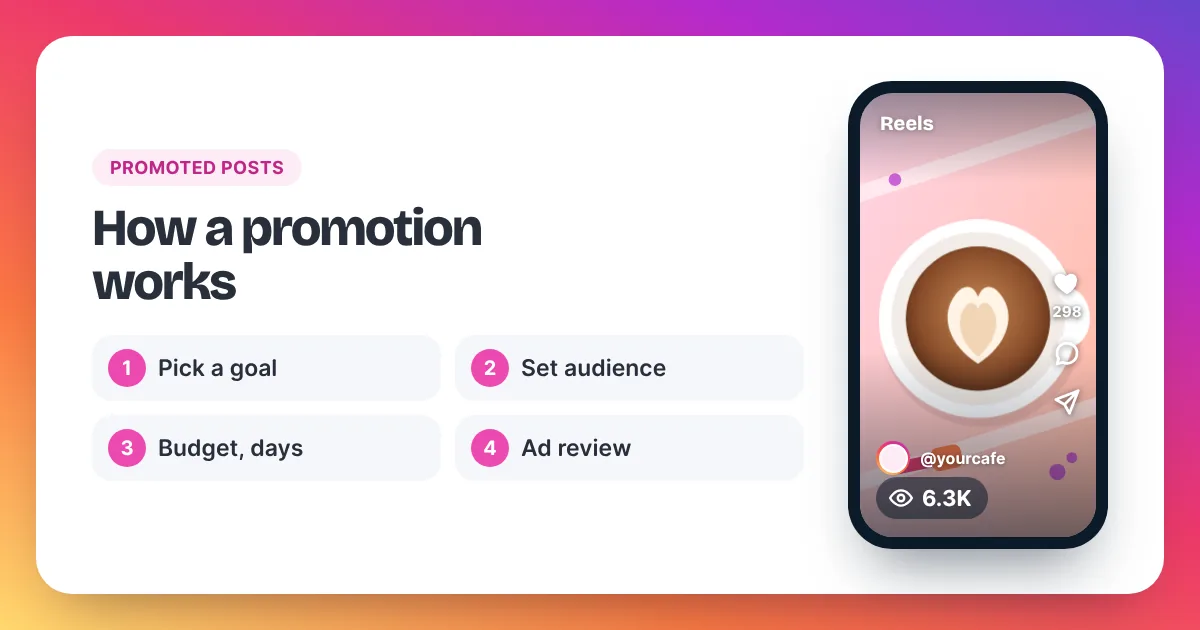
Not sure what a promotion is checked against? Our guide to how Instagram promotions work walks through the whole process from goal to results.
Why is my promotion stuck "In review"?
An Instagram promotion shows "In review" until Meta's ad review finishes. Meta says this is typically within 24 hours but may take longer in some cases. Editing the ad while it waits can send it back into review, so it is usually best to leave it alone for a day.
Meta's Business Help Center also notes that an active campaign can show an ad set or ad "In review" again after recent changes. If your promotion was running and suddenly paused, check whether you changed the budget, audience or text.
What does "Something went wrong" mean when you tap Boost?
Instagram's Help Center covers this message in its article on troubleshooting boosts. Its advice depends on the case:
- Boost does nothing, or says there's an issue on Instagram's end. Instagram says it can't boost your post right now and asks you to try again later.
- The error mentions payment info. Instagram notes a "Something went wrong" error can appear when your ad account's payment info is unavailable. Check the payment settings of your ad account, then try again.
- You're asked to log in to Facebook. Instagram may ask you to log in to connect a Meta ad account. Finish that step before you boost.
- The app keeps failing. Instagram suggests boosting from instagram.com or managing the ad in Meta Ads Manager instead.
Also check the basics. Instagram's Help Center says boosting is only available to professional accounts, and you must be over 16 to create ads.
Why can't I boost this Reel?
Sometimes the Boost button won't work on one Reel while it works on others. Instagram's Help Center lists the limits for boosting Reels:
- Reels with licensed music can't be boosted. Instagram suggests original audio or royalty-free music from its Sound Collection.
- Reels with face or camera effects, GIFs, product tags, interactive stickers or third-party camera filters can't be boosted.
- Reels that were already shared to Facebook can't be boosted.
If your Reel hits one of these limits, you can post a new version without the blocked element and boost that instead. Our guide on how to boost a Reel on Instagram covers each step.
Why are my Instagram ads not delivering?
If your Instagram ad was approved but isn't delivering, check its status at every level: campaign, ad set and ad. Meta's Business Help Center says one level can show "In review", "Rejected" or another status while the campaign looks active. Recent edits, a restricted account or a payment problem on the ad account can also stop delivery.
Work through these checks from Meta's Business Help Center:
- Check the status at all three levels. A campaign can look active while its ad set or ad is in review or rejected.
- Look at recent changes. Meta's guide on campaigns that slowed or stopped suggests checking the activity history for frequent pauses or late-day budget changes.
- Check the account. If your ad account is restricted, request a review in Business Support Home. Meta says a restriction review is typically completed within 48 hours, though it may take longer.
- Check payment. Meta has separate help for ad accounts disabled after a failed payment. Make sure your ad account's payment details are up to date.
- Check the auction. Meta's ad auction favours ads people are likely to respond to. A very narrow audience or a low-quality ad can win few auctions.
Quick fix table: find your case
| What you see | Likely cause (per Meta's help pages) | What to do |
|---|---|---|
| "Not approved" or "Rejected" | The ad doesn't meet Meta's Advertising Standards | Read the reason, edit or make a new ad, or request another review in Account Quality |
| "In review" for hours | Review not finished yet | Wait; Meta says typically within 24 hours, sometimes longer |
| "Something went wrong" | A problem on Instagram's end, or payment info unavailable | Try again later; check your ad account's payment settings |
| Boost greyed out on one Reel | Licensed music, effects, stickers, tags, or already shared to Facebook | Post a version without that element |
| No Boost button at all | Not a professional account | Switch to a professional account |
| Approved but no results | Status issue at ad set or ad level, recent edits, account or payment issue | Check status at all three levels, then the account |
| Promotion missing from Ad tools | A loading or sync issue Instagram's Help Center covers | Follow Instagram's troubleshooting article, or check Ads Manager |
If you only need views today
Sometimes the goal behind the promotion was simple: you wanted a Reel to look watched for a launch, a release or a pitch, and the ad review is in the way. A views order is a different route. It doesn't go through Meta's ad system, so licensed music and ad review don't block it. It only needs a public Reel or post link, never your password.
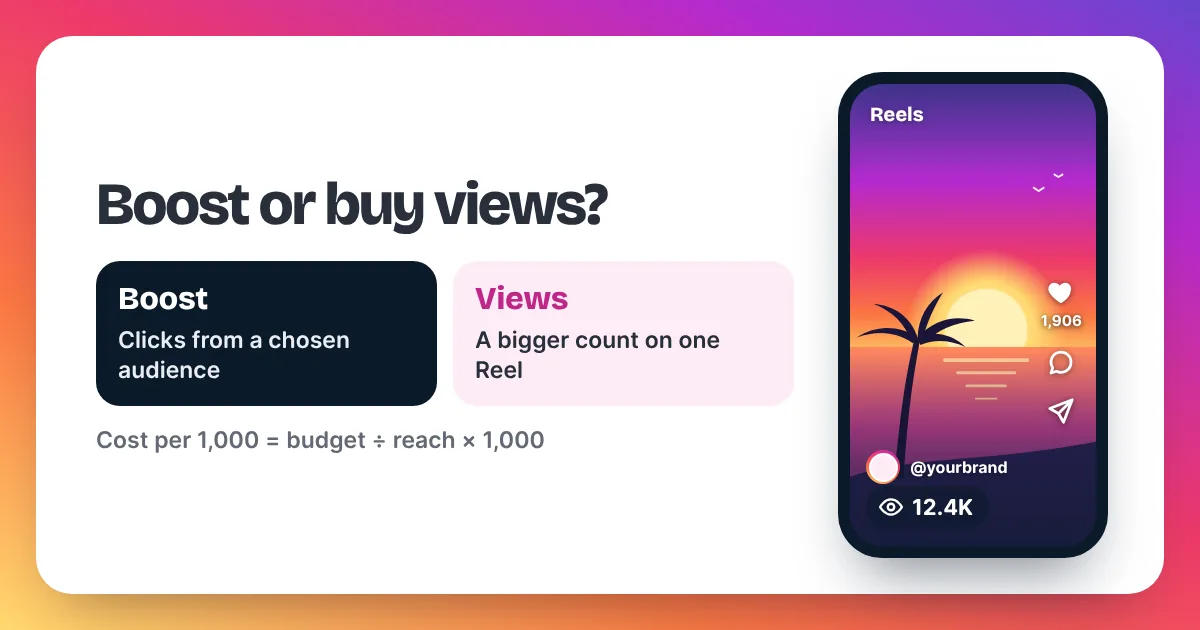
Be clear about what you get. Bought views raise the public view count and give the Reel social proof. They don't pick an audience or bring clicks, follows or likes by themselves. And unlike ads, buying views is against Instagram's rules on paper: Meta's Spam policy lists attempts to "artificially increase viewership", and Instagram can remove plays it treats as inauthentic. Keep each order in proportion to your normal views. Our page to buy Instagram Reel views shows the prices, and our Instagram views prices page works out any order size.
Instagram promotion not approved FAQ
How long does Instagram take to approve a promotion?
Meta's Advertising Standards say ad review is typically completed within 24 hours, although it may take longer in some cases. The promotion shows "In review" until then.
Can I appeal a rejected Instagram promotion?
Yes. Meta's Business Help Center says that if you believe your ad was rejected by mistake, you can request another review in Account Quality. Teams of human reviewers handle those requests.
Will editing my promotion restart the review?
It can. Meta's Business Help Center notes that an ad set or ad may show "In review" after recent changes. Make all your edits at once rather than one by one.
Why does Instagram say "Something went wrong" every time?
Instagram's Help Center says this can be an issue on its end, so try again later. It can also appear when your ad account's payment info is unavailable. If the app keeps failing, try boosting from instagram.com or Meta Ads Manager.
Can you help fix my Meta ad account?
No. We sell Instagram views only, not ads, ad management or account support for Meta. For ad account issues, use Meta's Business Help Center and Account Quality. For a views order, email support@instaviewspanel.com at any time.