You post something, and Instagram shows a button inviting you to put money behind it. That is an Instagram promotion. It is simple to start, but it helps to know what you are paying for before you tap.
This guide explains what a promotion is, how a promoted post works step by step, what decides the cost, and where to see your results, all from Instagram's and Meta's own help pages. We sell Instagram views only, not promotions or ads, so we also say when a views order is the simpler fit. For the full "is it worth paying?" question, read our guide on whether boosting Instagram posts is worth it.
What is an Instagram promotion?
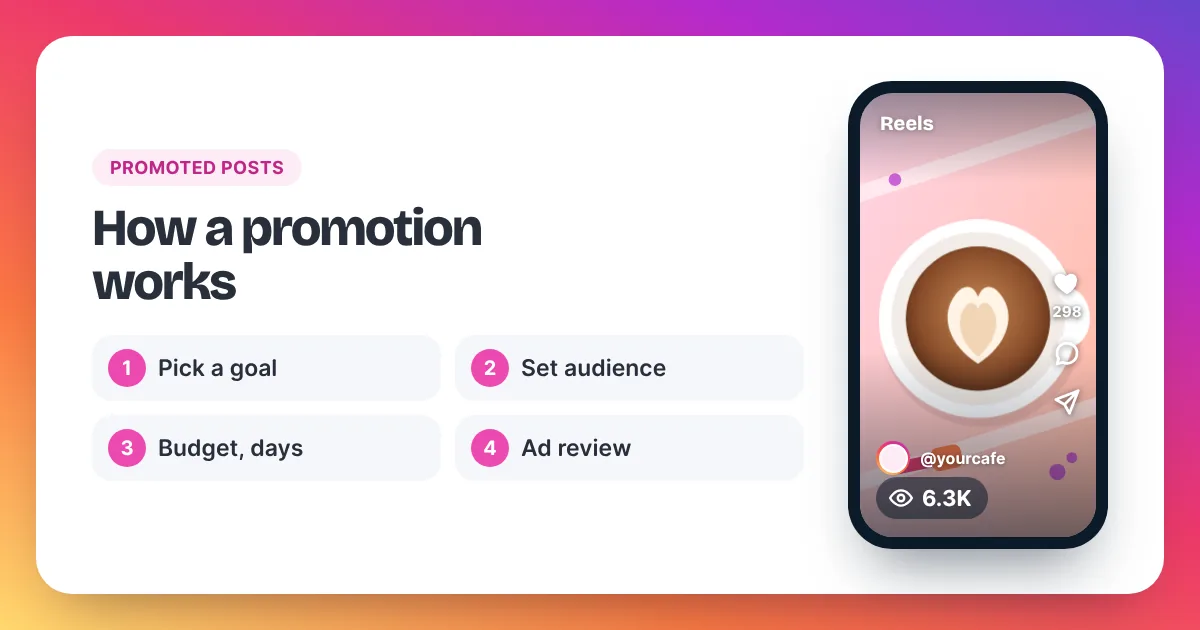
An Instagram promotion is a post, Reel or Story that you pay to show to more people as an ad. Instagram now calls the button Boost; "Promote" is the older name, and people use both. You pick a goal, an audience, a budget and a duration, and the promotion runs after Meta's ad review approves it.
An Instagram promotion is the simplest kind of Meta ad: it takes something you already posted and pays to show it to more people. Instagram's Help Center explains that you can boost feed posts, Reels and Stories directly from the Instagram app, or from instagram.com with the same features. You need a professional account. When you boost, you choose four things: a goal (what you want people to do), an audience, a budget and a duration. Before the promotion runs, it is reviewed against Meta's Advertising Standards, and Meta says that review is typically completed within 24 hours, though it may take longer. The price is not fixed. Meta sells ads through an auction, and you are billed for what is actually spent within your budget. After the promotion starts, Instagram reports its results in the Ad tools section of your professional account. A promotion is an ad, not a separate product, so the same rules apply to it as to any ad in Meta Ads Manager.
How does a promoted post work, step by step?
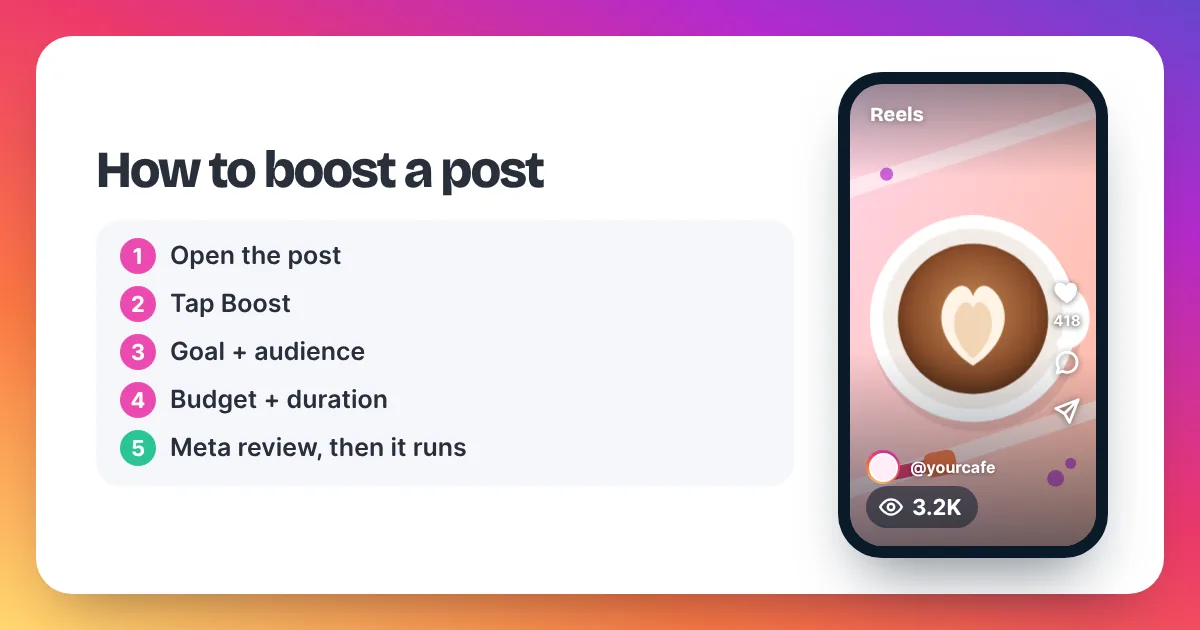
Instagram's Help Center describes the boost flow like this:
- Open the post. Go to your profile and tap the post or Reel you want to promote.
- Tap Boost. If it's your first time, Instagram may ask you to connect or choose an ad account.
- Choose a goal. This tells Instagram what you want people to do after they see the ad, such as visit your profile or your website, or send you a message.
- Choose an audience. Automatic targets people similar to your followers, or you can create your own audience.
- Set the budget and duration. Meta shows an estimated daily reach for the budget you enter. Meta says it is an approximate estimate, not a promise.
- Review and confirm. Tap Next to check the details, then Boost.
Want the full walkthrough for feed posts? Our step-by-step guide on how to boost a post on Instagram covers every screen.
What happens after you tap Boost?
First, the promotion goes into review. Meta's Advertising Standards say most reviews finish within 24 hours, and the ad shows "In review" until then. Meta checks the image or video, the text, the targeting and the place the ad sends people, such as a website. Its review relies mainly on automated tools, with human reviewers in some cases.
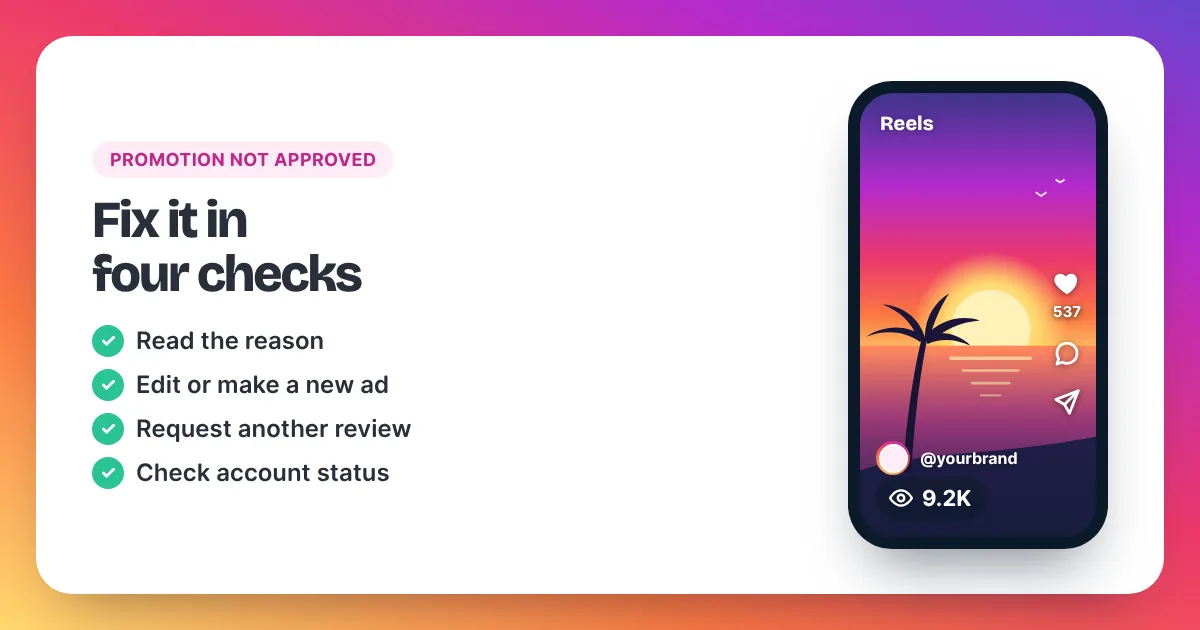
Instagram's Help Center says you get notifications as the ad moves along: when it is submitted, while it is in review, when it is approved or not approved, and when it ends. Once approved, it runs for the duration you chose. If it is rejected, our guide on what to do when an Instagram promotion is not approved lists the fixes Meta describes.
What does an Instagram promotion cost?
An Instagram promotion costs whatever budget you set, because Meta sells ads in an auction rather than at a fixed price. You choose a budget and duration, and you are billed for what is spent. What that money buys depends on your audience, your post and the competition at the time.
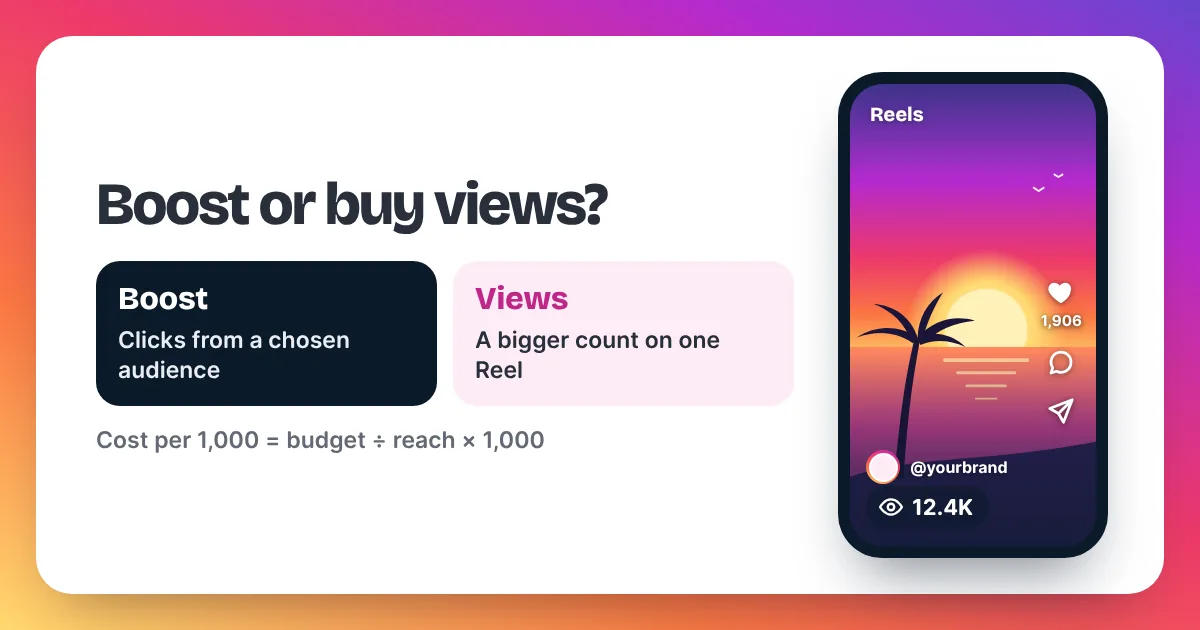
Meta does not publish a fixed price list for promotions, and we don't quote averages from blogs. Instead, use the estimate on your own screen. Divide the daily budget by the estimated daily reach and multiply by 1,000. That gives a rough cost per 1,000 people reached for your post.
Example only, not a Meta price: if you enter $10 a day and the estimate shows 2,000 to 5,000 people, your rough cost is $2 to $5 per 1,000 people reached. Our guides on how much it costs to boost an Instagram post and Instagram ads cost per 1,000 go deeper into the maths.
Where do you see your promotion's results?
Instagram's Help Center points you to Ad tools in your professional account. Open Ad tools, find the promotion and choose to view its insights. For a boosted Reel, the Reel's own insights also show results. If you prefer a desktop view, promotions can also be managed in Meta Ads Manager.
Read the numbers with care. Reach counts the unique accounts that saw the promotion. Impressions count each time it appeared on screen. Neither is the same as a view on an organic Reel, which Meta defines as each time it is played. Our guide to Instagram Insights explained covers what each number means.
If Ad tools shows an error, or your promotion doesn't appear there, Instagram's Help Center has a troubleshooting article for exactly that. Sometimes the fix is simply to try again later.
Instagram promotion vs buying views: what's the difference?
A promotion and a views order both cost money and both are about being seen. But they work in different ways:
| Question | Instagram promotion | Buying views |
|---|---|---|
| What you pay for | Your post shown as an ad to a chosen audience | Plays added to your post's public view count |
| Price | Auction, within the budget you set | Fixed, from $1.99 to $0.69 per 1,000 |
| Review | Reviewed against Meta's Advertising Standards | No ad review |
| Account needed | Professional account | Any public account; a link, never a password |
| Can bring clicks or messages | Yes, if that's the goal you choose | Not by themselves |
| Within Instagram's rules | Yes | No: Meta's Spam policy covers attempts to "artificially increase viewership" |
When should you choose a promotion, and when views?
In our opinion, choose a promotion when you want people to do something: visit your profile or website, or message you. Choose views when the goal is the number under one post, such as a launch Reel, a music teaser or a Reel you will show to brands. Views are social proof and a starting push. They don't pick an audience or bring follows and likes by themselves.
If you go with views, our page to buy Instagram Reel views explains how ordering works. Keep each order in proportion to your normal views, and remember that buying views is against Instagram's rules on paper.
Instagram promotion FAQ
Is an Instagram promotion the same as a boost?
Yes. Instagram's Help Center now uses the word Boost, and older help pages say Promote. Meta's Business Help Center still mentions both the Boost and Promote buttons as ways to create an ad from a post.
Can I promote a post from a personal account?
No. Instagram's Help Center says boosting is only available to professional accounts. You can switch a personal account to a professional one in your settings, then boost.
Can I promote a Story?
Yes. Instagram's Help Center says a boosted Story runs for the duration you set, even after the Story expires from your profile. Note that we don't sell Story views; we accept Reel and post links only.
Why can't I promote my Reel?
Instagram's Help Center lists limits for boosting Reels. Reels with licensed music can't be boosted, and neither can Reels with face or camera effects, GIFs, product tags, interactive stickers or third-party camera filters.
Does a promotion bring followers?
It can send people to your profile, but following is still their choice. A promotion works best when your profile and recent posts already give people a reason to follow.