Type in the numbers from one post or Reel and get your engagement rate three ways: by followers, by views and by reach. The calculator runs in your browser. Nothing you type is sent anywhere, and you don't need an account.
How do you calculate Instagram engagement rate?
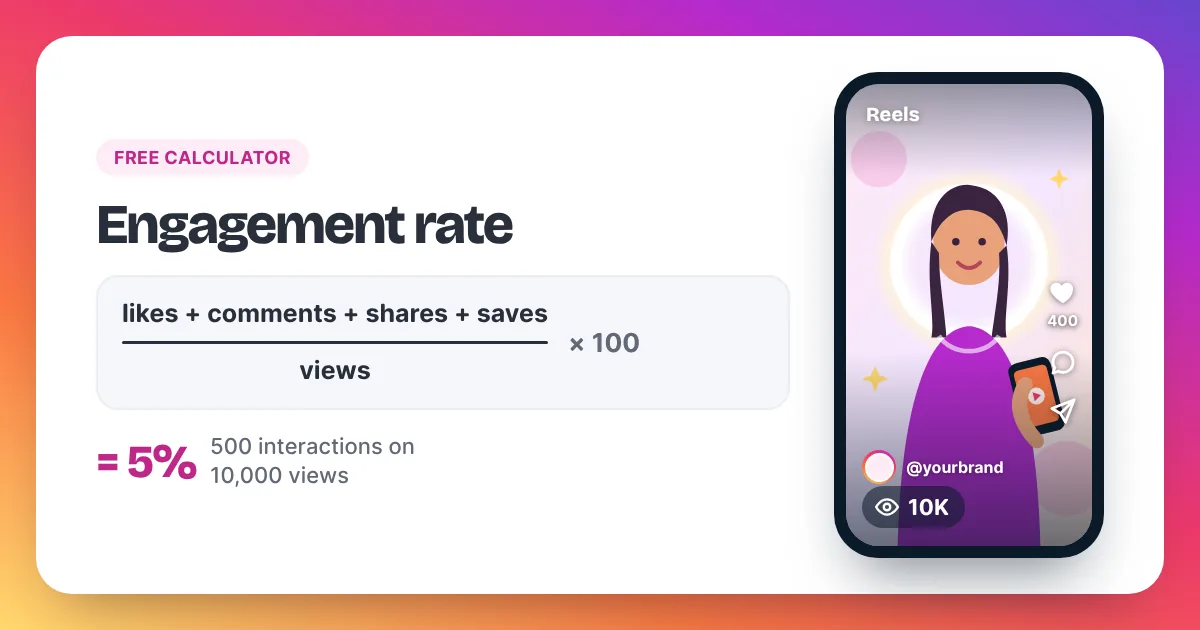
Instagram engagement rate is the number of interactions on a post divided by an audience number, times 100. Divide likes and comments by followers for the classic rate. For Reels, divide likes, comments, shares and saves by views. To measure only the people who saw the post, divide by accounts reached.
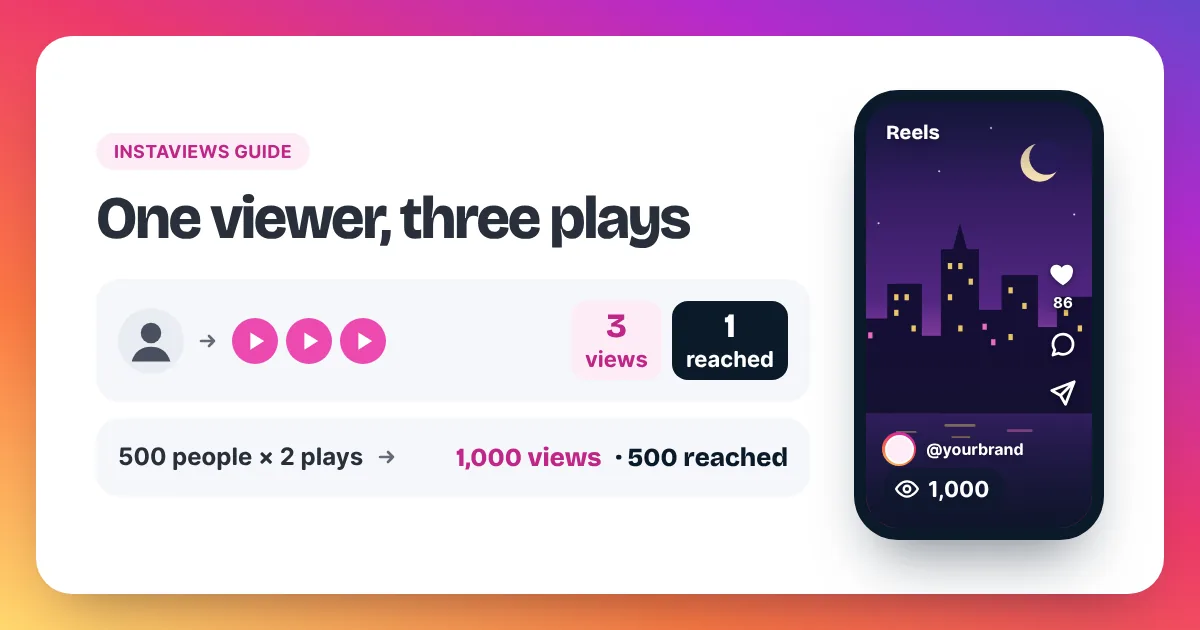
Here is a worked example you can check with the calculator. Instagram engagement rate compares how many people acted on a post with how many could have seen it. Take a Reel with 10,000 views, 6,000 accounts reached, 400 likes, 30 comments, 50 shares and 20 saves, posted by an account with 8,000 followers. All interactions add up to 400 + 30 + 50 + 20 = 500. By views, the rate is 500 ÷ 10,000 × 100 = 5%. By reach, it is 500 ÷ 6,000 × 100 = 8.33%. By followers, using likes and comments only, it is 430 ÷ 8,000 × 100 = 5.38%. The three numbers differ because each one divides by a different audience. Views count every play, including replays, while accounts reached counts each person once. That is why the rate by reach is usually higher than the rate by views. Pick one method and use it every time, so your posts stay comparable.
Which engagement rate should you use?
Use the rate by views for Reels, because views are the main number Instagram shows on them. Use the rate by reach when you want to know how the people who saw a post reacted. The rate by followers is the oldest method and works on any public post, since you only need numbers anyone can see.
| Method | Formula | Best for | Where the numbers come from |
|---|---|---|---|
| By followers | (likes + comments) ÷ followers × 100 | Comparing any public account | The post and the profile |
| By views | (likes + comments + shares + saves) ÷ views × 100 | Reels and videos | The Reel and Insights |
| By reach | (likes + comments + shares + saves) ÷ accounts reached × 100 | Your own posts | Insights on a professional account |
Shares and saves are only visible to the account owner in Insights. If you are checking someone else's post, use the rate by followers. To learn where each number lives, read our guide on how to see your Instagram views, and for the difference between plays and people, see Instagram views vs reach.
What is a good engagement rate on Instagram?
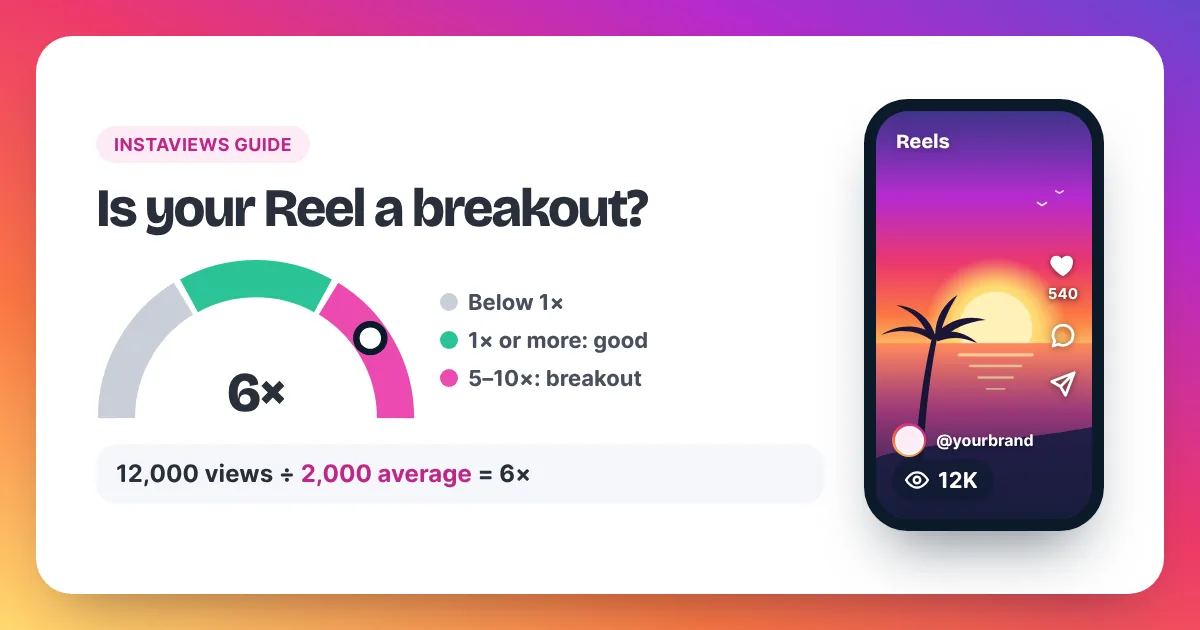
Instagram does not publish an official "good" engagement rate. Figures you see online come from different studies, methods and account sizes, so they rarely match each other. The most useful benchmark is your own average: work out the rate for your last 10 posts and aim to beat it.
- Pick one method, for example the rate by views.
- Work out the rate for each of your last 10 Reels.
- Add the 10 rates and divide by 10. That is your average.
- Judge each new Reel against that average, not against another account.
The same idea works for views. Our guide on how many views is viral on Instagram shows how to use your own average as the number to beat.
Do bought views change your engagement rate?
Yes. Bought views raise the view count but don't add likes, comments, shares or saves by themselves, so the engagement rate by views goes down while the order runs. The rate by followers doesn't change, because it doesn't use views. Keep this in mind before you compare a boosted Reel with your others.
For example, a Reel with 500 interactions and 10,000 views has a 5% rate by views. Add 10,000 bought views and the same 500 interactions give 2.5%. That is the honest maths. Views raise the public count and can make a Reel look worth watching; people still decide whether to like or share it. Meta's Spam policy lists attempts to "artificially increase viewership", and Instagram can remove plays it treats as inauthentic, so keep any order in proportion to your normal views. Our guide on whether you can buy Instagram views covers the pros and cons, and the full price list shows every pack.
Engagement rate FAQ
Is my data stored when I use the calculator?
No. The calculator works entirely in your browser. The numbers you type are not sent to Instaviews or anyone else, and they disappear when you close the page.
Should I count shares and saves?
Yes, when you can see them. Shares and saves show that someone valued the post enough to send it on or keep it. They are only visible to the account owner, in Insights.
Why is my rate by reach higher than my rate by views?
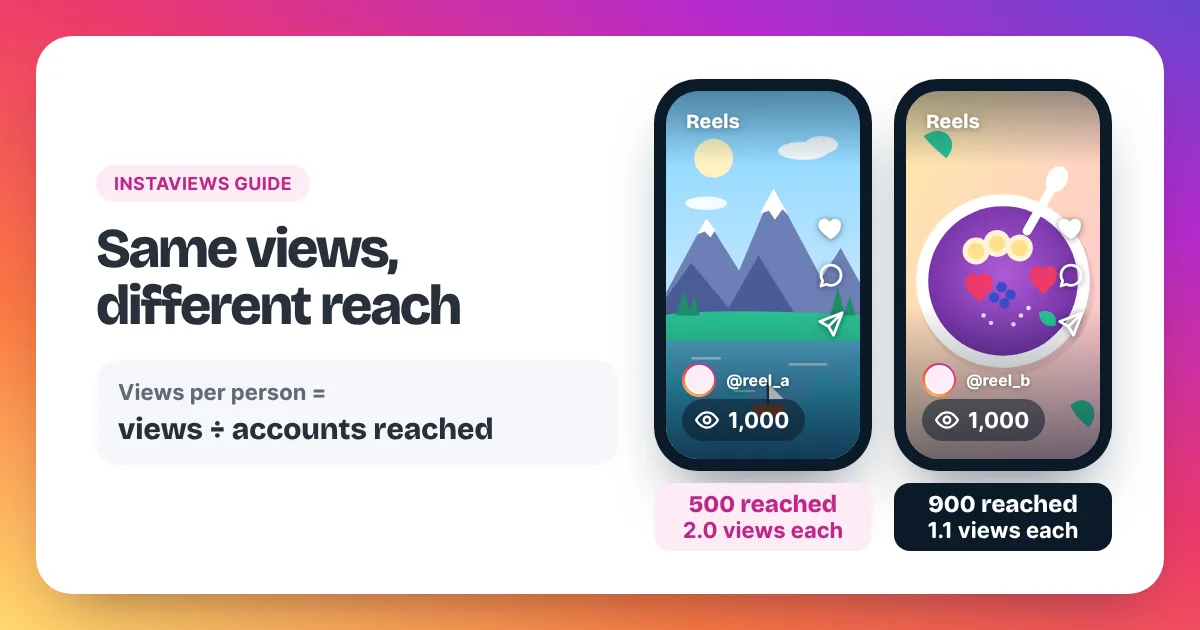
Views count every play, including replays, while accounts reached counts each person once. Dividing the same interactions by a smaller number gives a higher rate. Our guide to how views on Instagram are counted explains plays and reach in detail.
Can I use this for Stories or Lives?
The formulas work for any content where you know the interactions and the audience number. Stories and Lives show different numbers in Insights, so use the same method each time you compare them.